Gallery blocks have two settings: the number of columns, and whether or not images should be cropped. The default number of columns is three, and the maximum number of columns is eight.
Below is a three column gallery at full width, with cropped images.
et adipiscing orci velit quis magna.

Southwest Virginia.
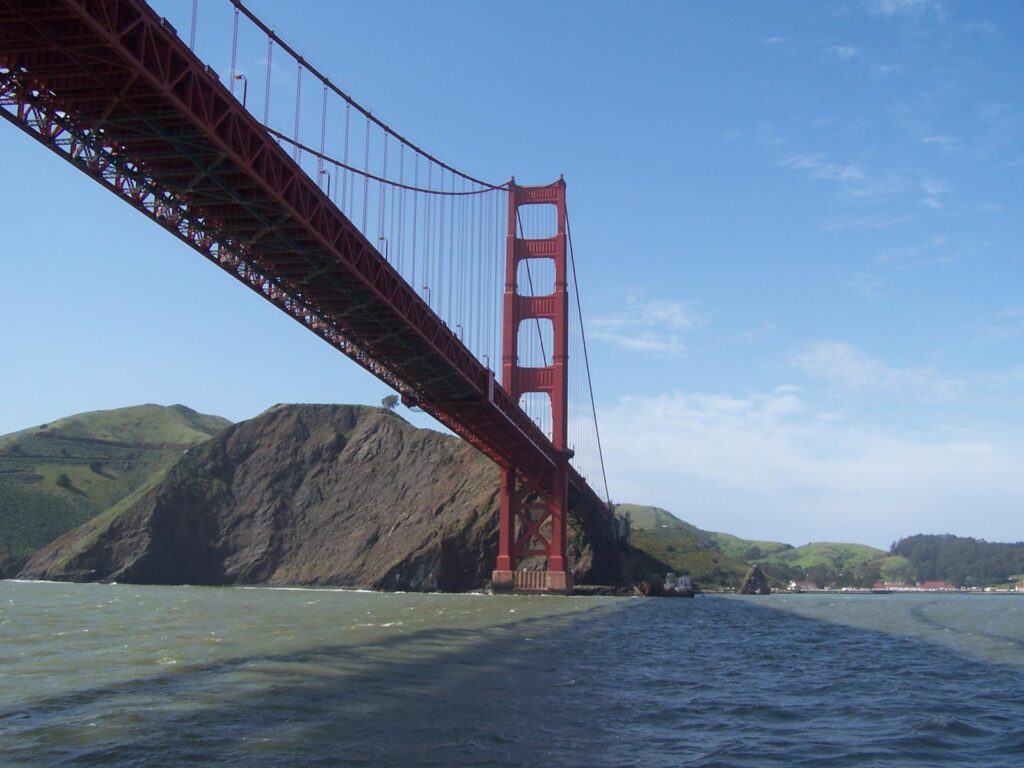
Francisco
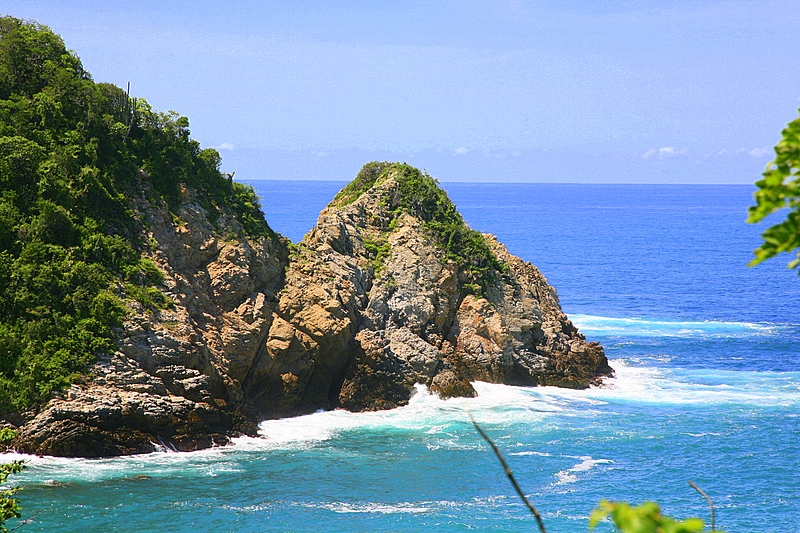


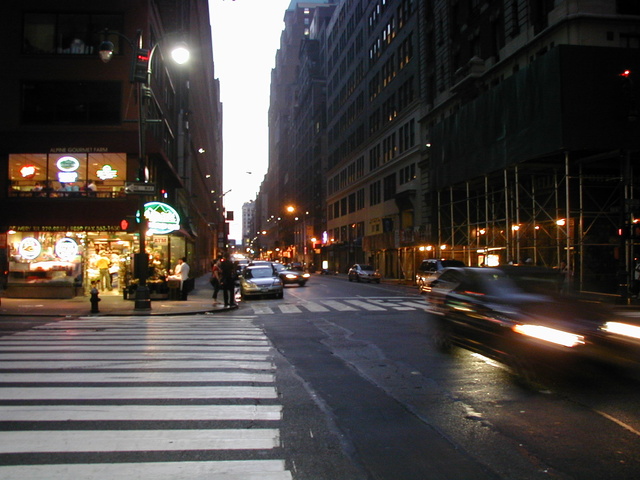
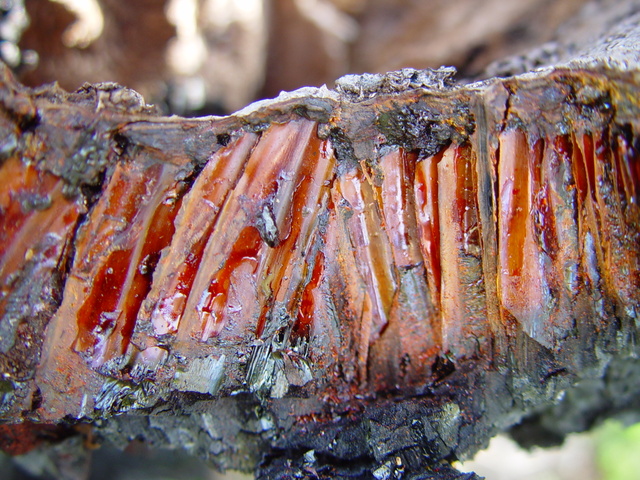

Some more text for taking up space.
A two column gallery, aligned to the left, linked to media file.
In the editor, the image captions can be edited directly by clicking on the text.
If the number of images cannot be divided into the number of columns you have selected, the default is to have the last image(s) automatically stretch to the width of your gallery.
A four column gallery with a wide width:



Lorem ipsum dolor sit amet, consectetuer adipiscing elit. Donec mollis. Quisque convallis libero in sapien pharetra tincidunt. Aliquam elit ante, malesuada id,
tempor eu, gravida id, odio. Maecenas suscipit, risus et eleifend imperdiet, nisi orci ullamcorper massa, et adipiscing orci velit quis magna.
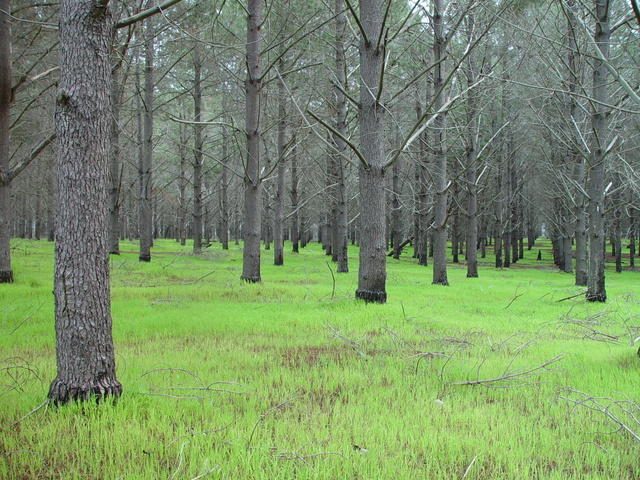

A five column gallery with normal images:




This is the same gallery, but with cropped images.
Six columns: does it work at all window sizes?
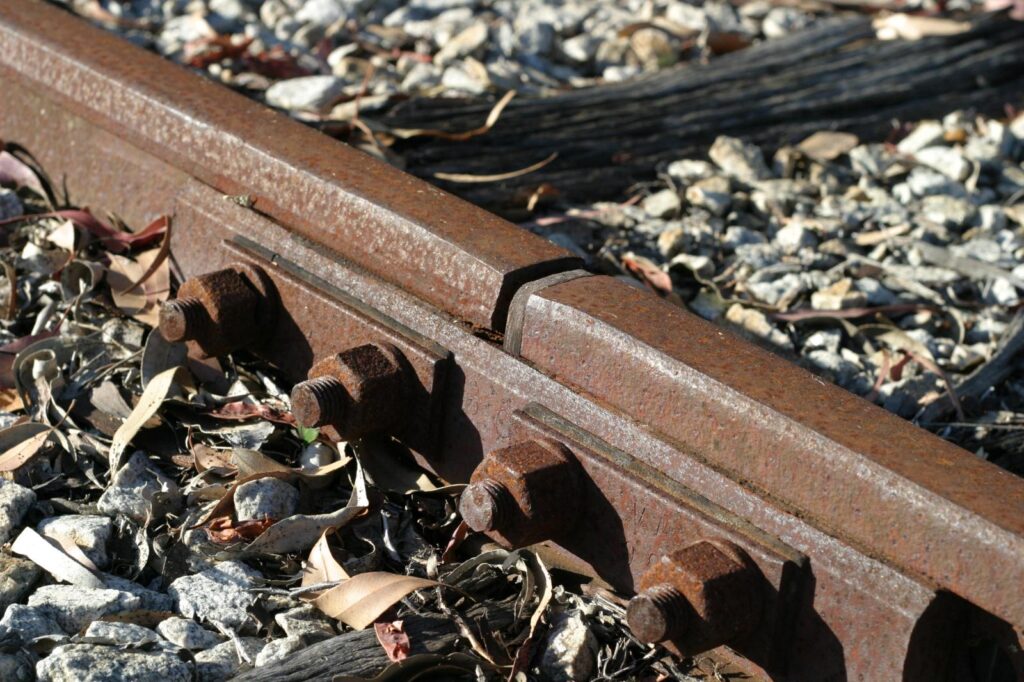
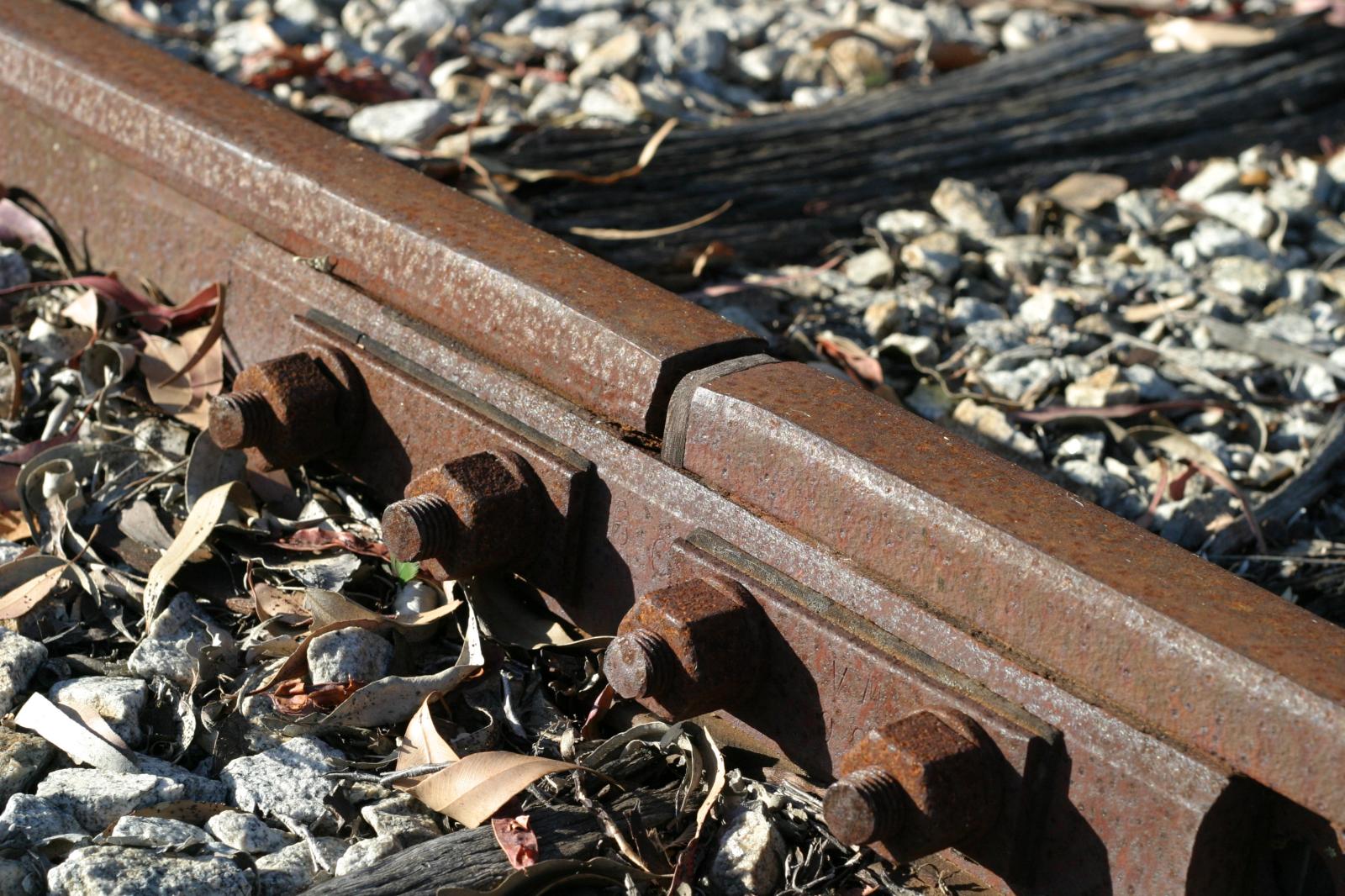
Rusty rails with fishplate, Kojonup
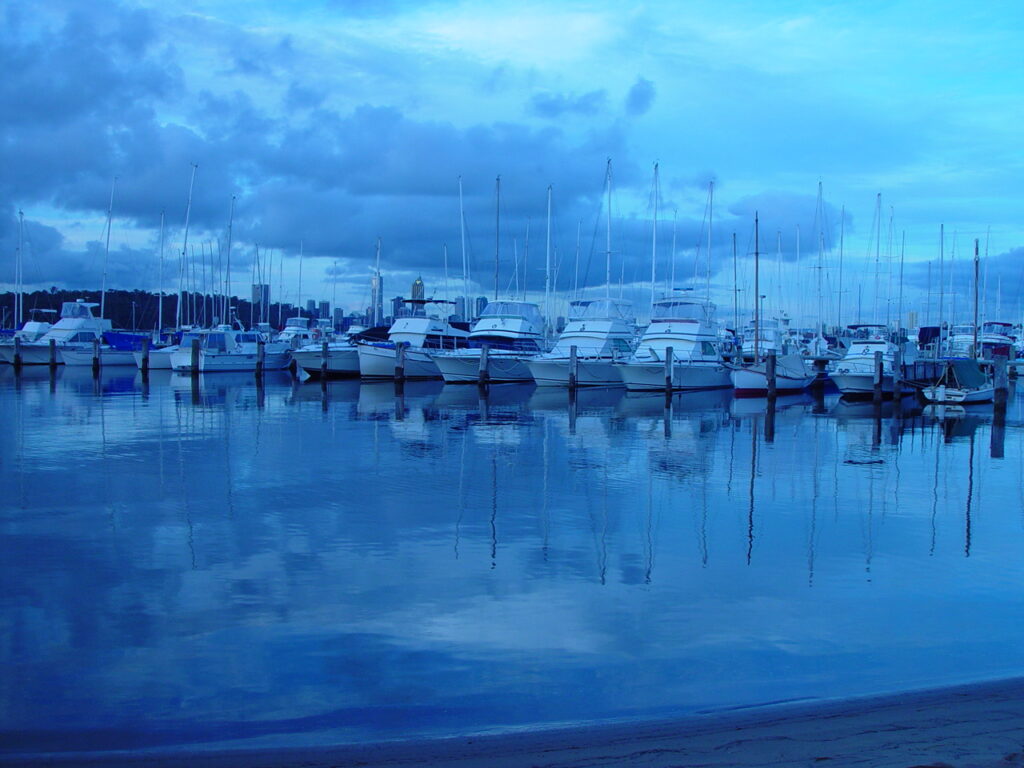


Raindrop ripples on a pond
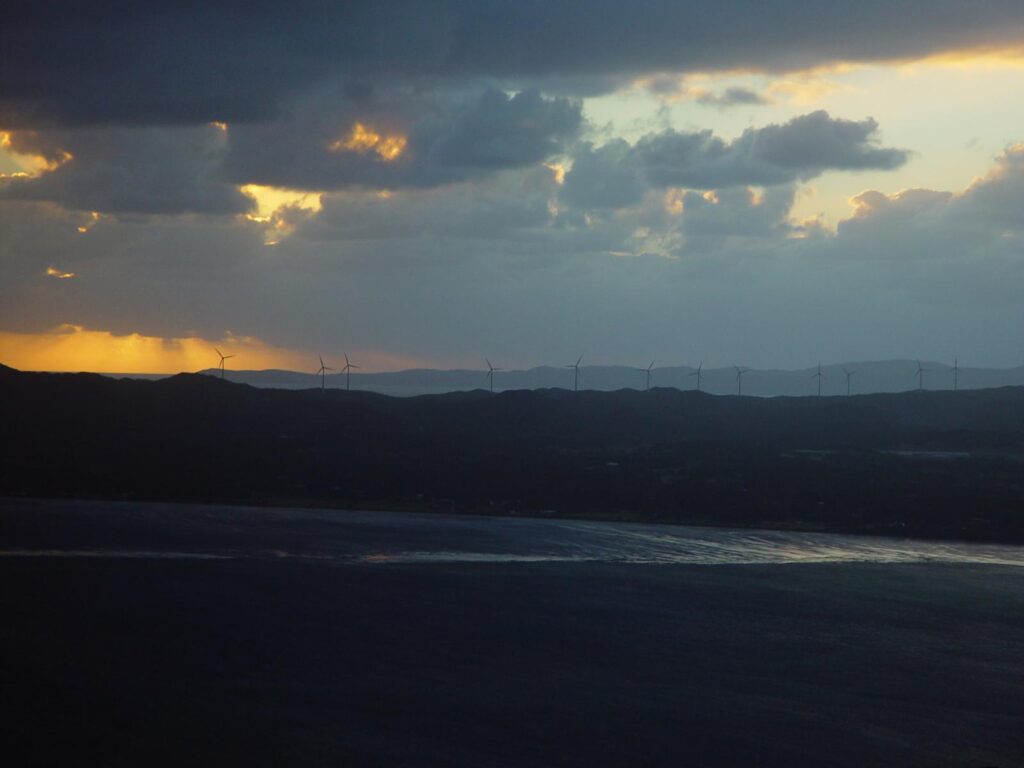
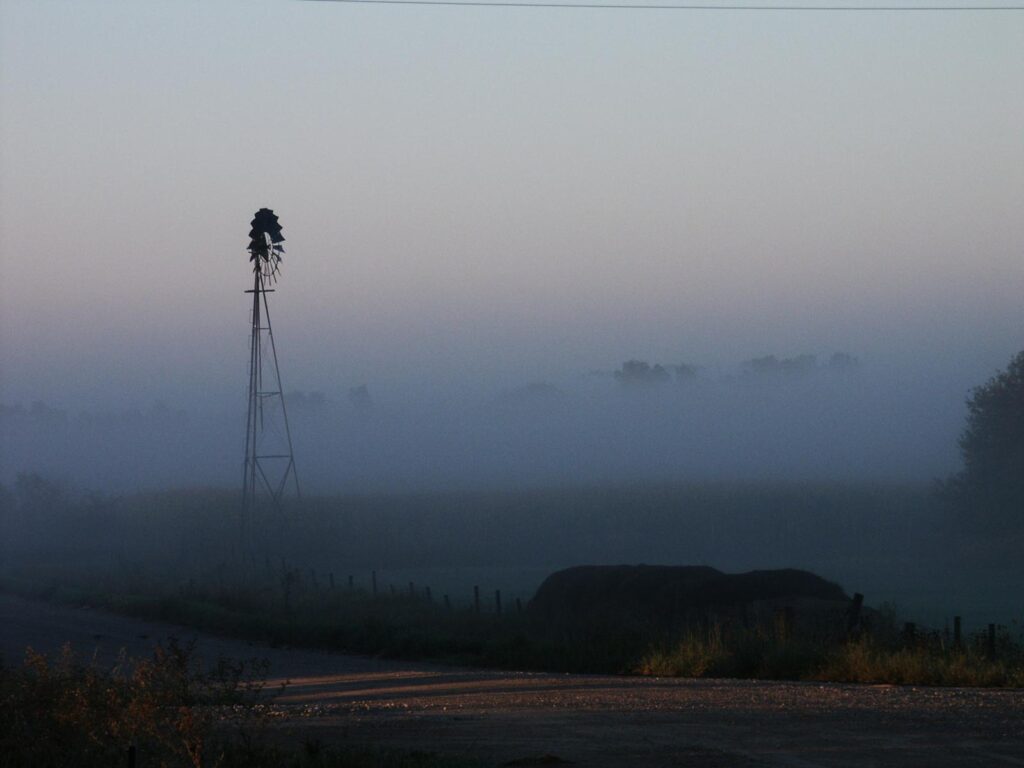
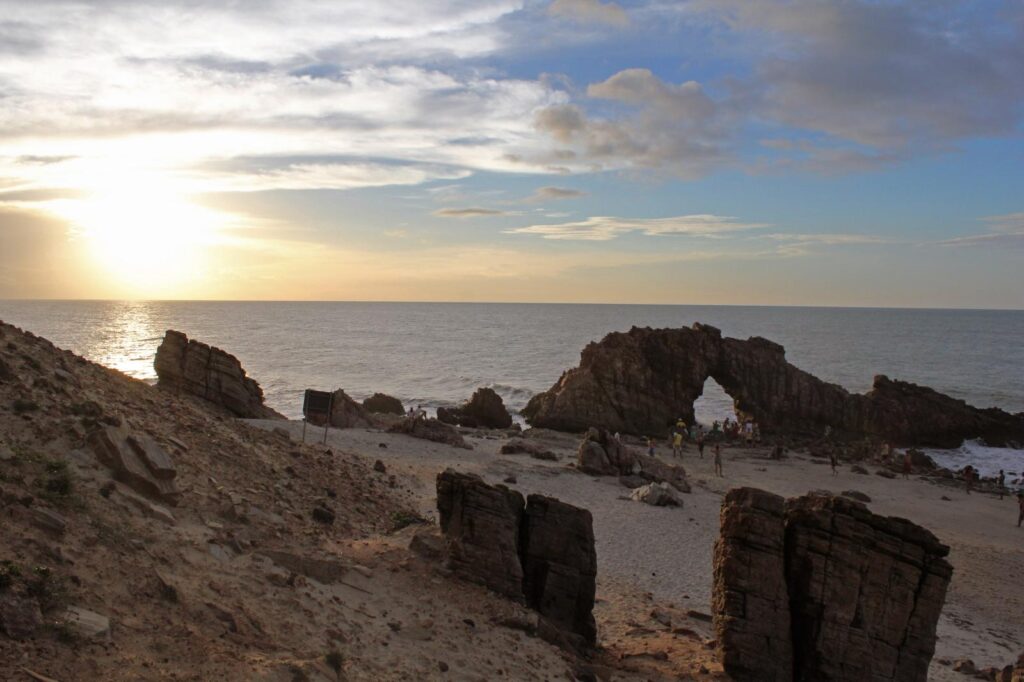
Seven columns: how does this look on a narrow window?
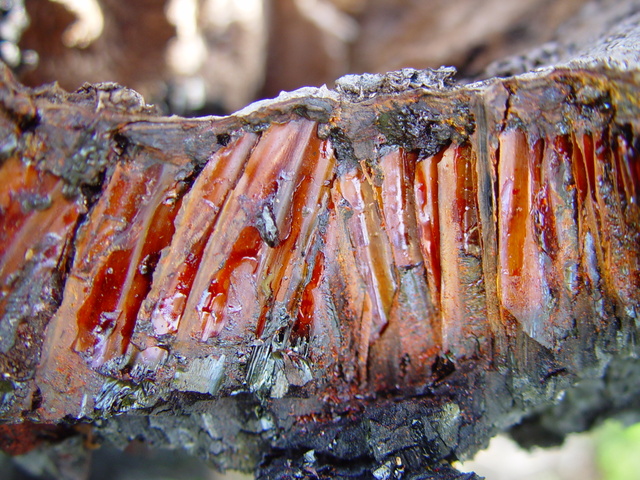

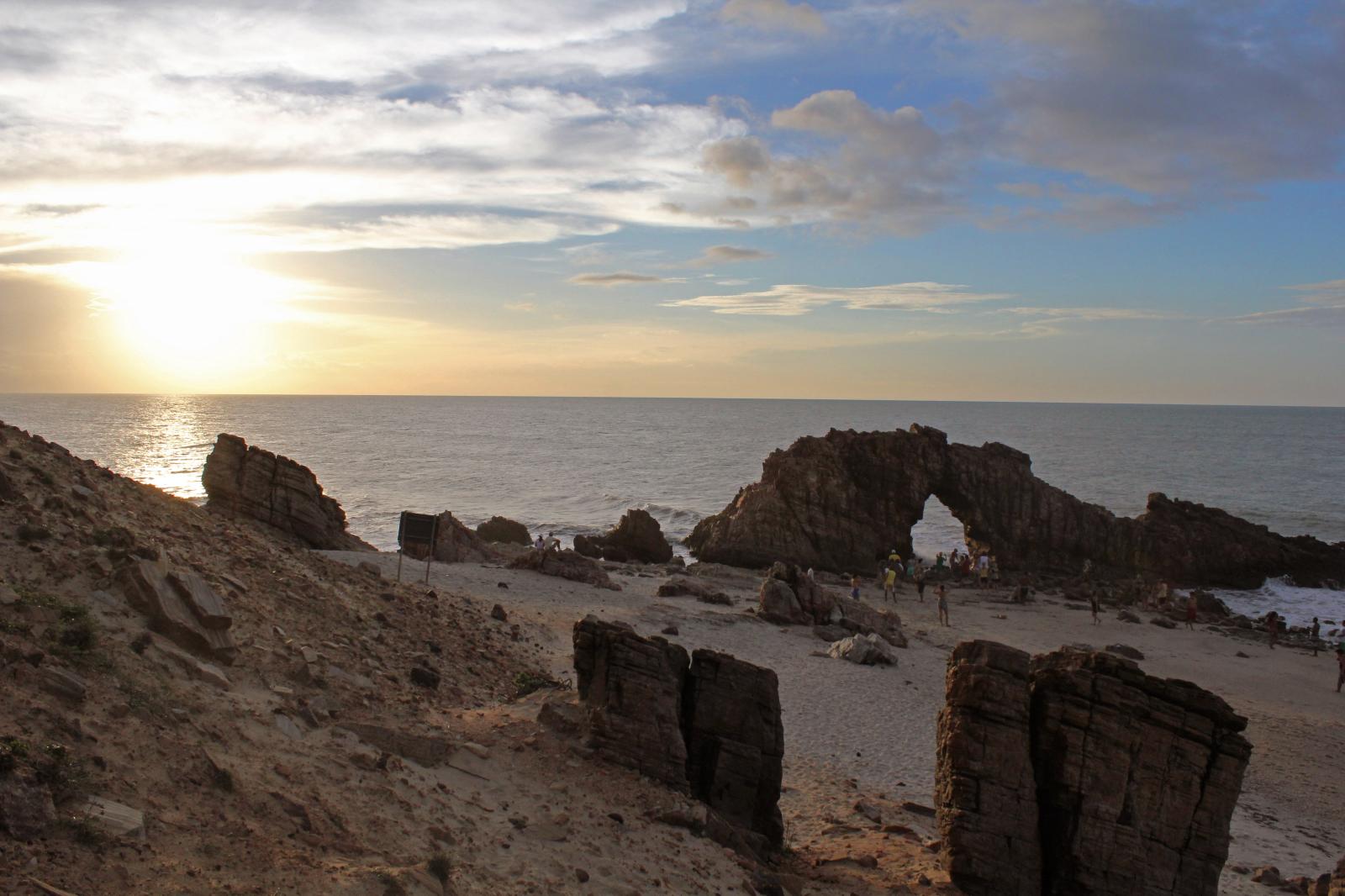
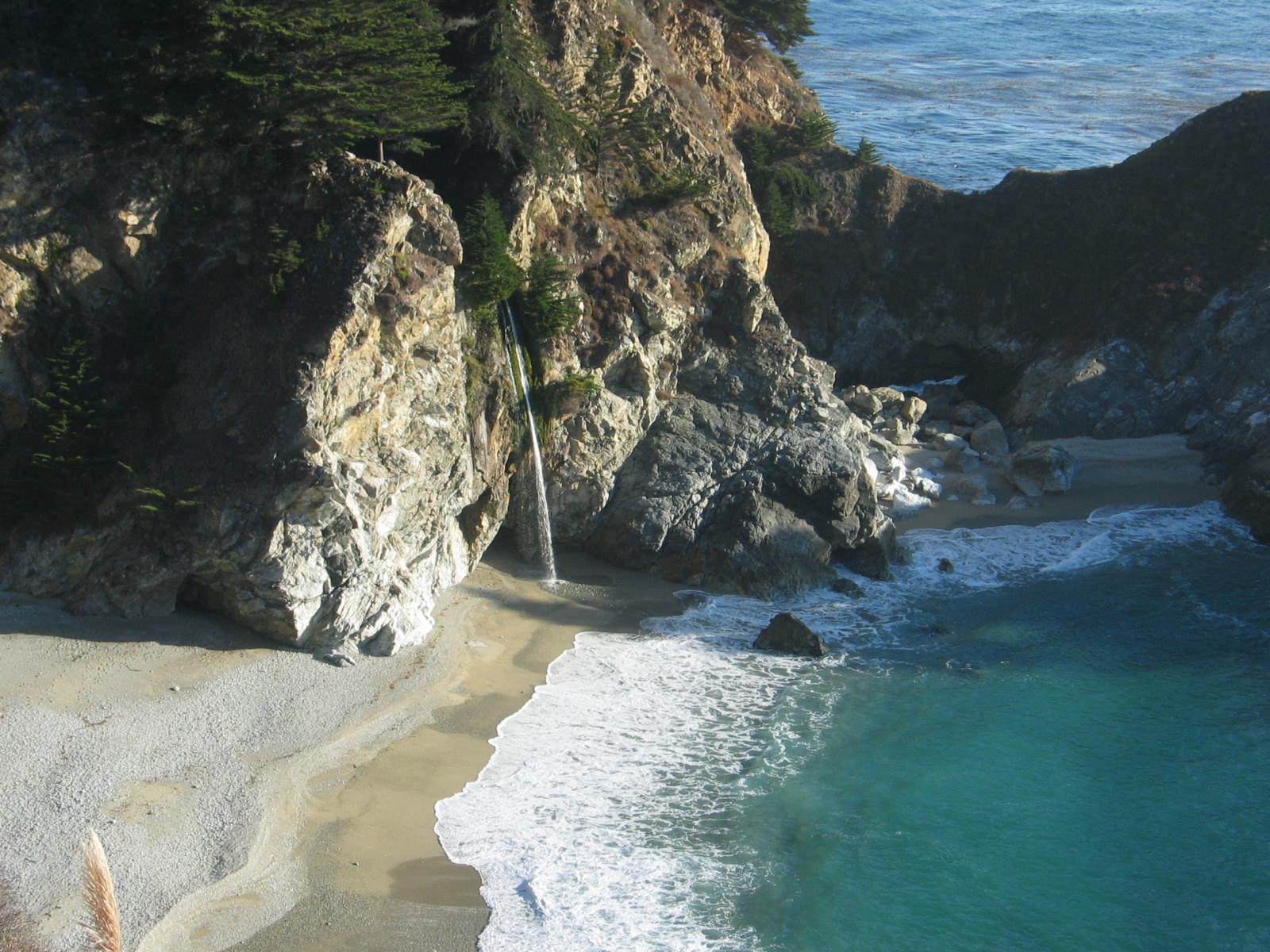

Eight columns: